

Windows 安装向量数据库:pgvector
1、安装postgresql
pgvector属于postgresql的一个插件,首先需要安装好postgresql,下载地址: www.postgresql.org/download/
安装好后设置环境变量,下面的路径替换为实际安装 postgresql 的路径:

set PGROOT=D:\pgSql
2、编译pgvector插件
2.1、下载并解压 pgvector 源码
2. Visual Studio:Microsoft官网下载Community版本即可。
2.1 打开x64 Native Tools Command Prompt for VS 命令窗口(后续命令都在此窗口中执行),执行以下命令拉取pgvector源码。
git clone --branch v0.8.1 https://github.com/pgvector/pgvector.git
注意:pgsql16、17对应的pgvector版本为0.8.x分支。
2.2、准备编译环境
安装 Visual Studio 2022 并勾选 “C++ 桌面开发” 组件
2.3、开始编译
下载好后,在"开始"搜索栏搜索 “x64 Native Tools Command Prompt for VS”, 然后右键使用管理者身份运行

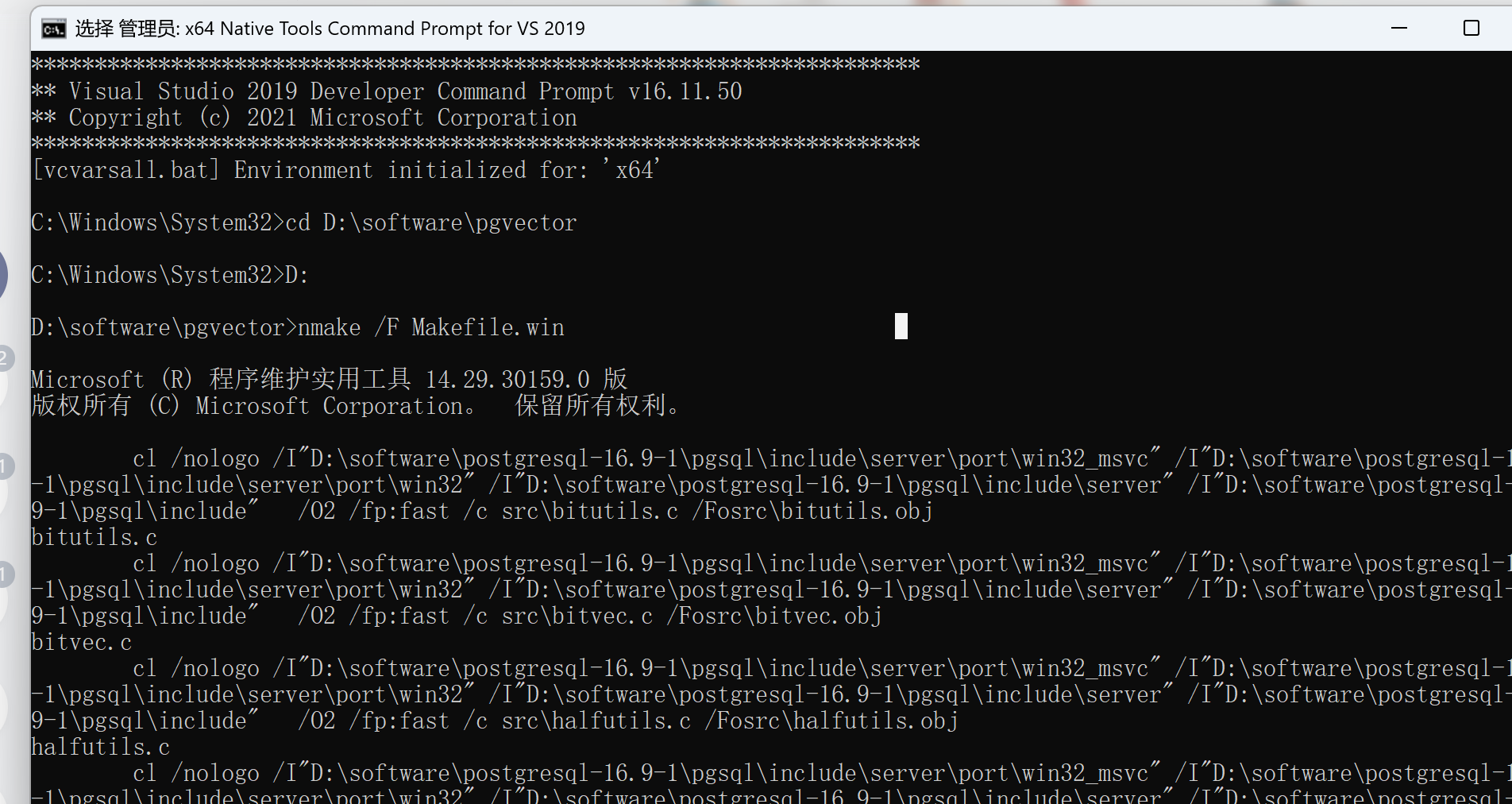
然后在这里进入之前下载好的 pgvector 源码根目录 cd C:\Users\abcd\Downloads\pgvector-master
然后先后执行以下命令即可完成安装
nmake /F Makefile.win
nmake /F Makefile.win install
如果提示没有权限,到目录外面,右键点击目录 -> 属性,调整下安全属性即可
转载自CSDN-专业IT技术社区
原文链接:https://blog.csdn.net/weixin_44749255/article/details/160261488

